If you ever worked in sales or customer service, then you know what it’s like to be pulled in a million different directions while on a customer call.
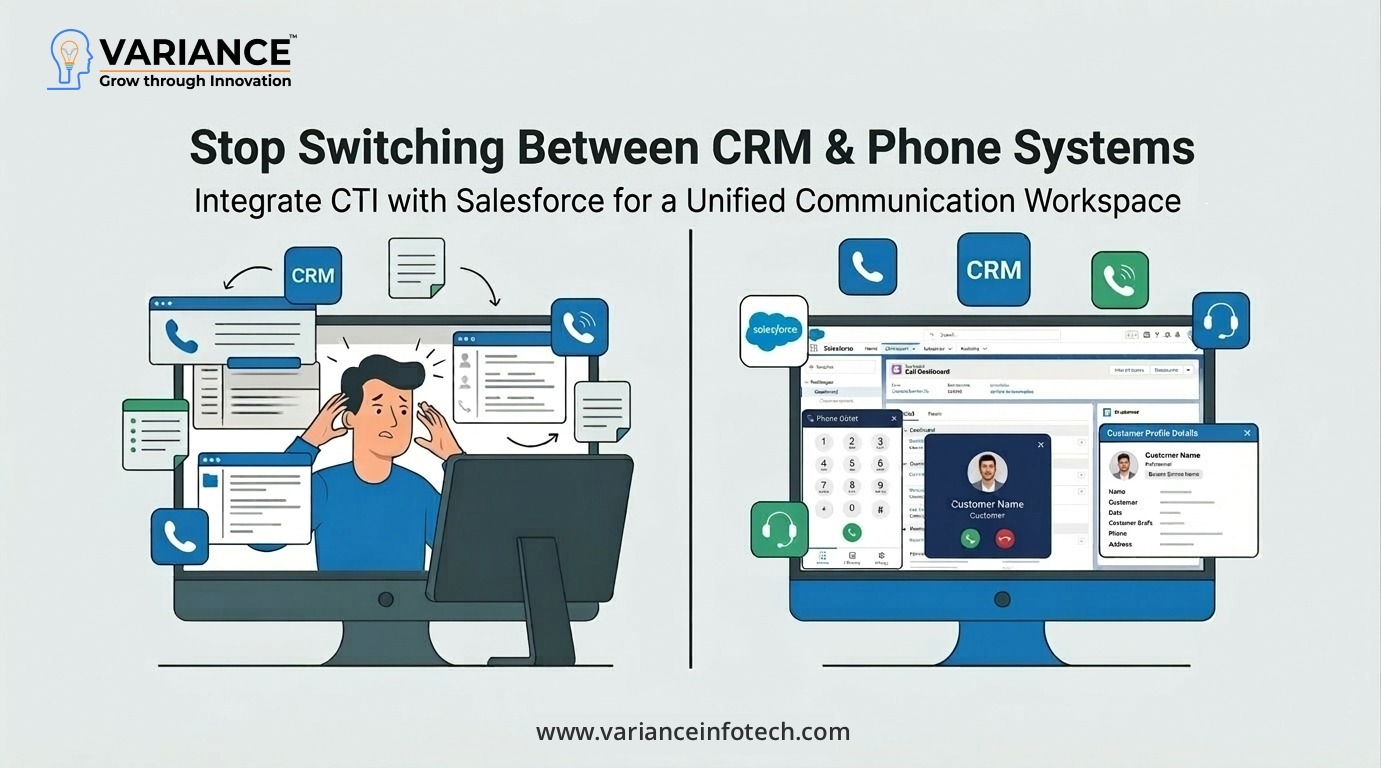
One tab for your CRM Another window for your phone system. Notes are left elsewhere.
Call details manually logged after the fact.
It may be a small irritation, but slow data entry leads to delays for teams, gaps in data, and less efficiency overall.
This is where CTI with Salesforce changes the game for the better!
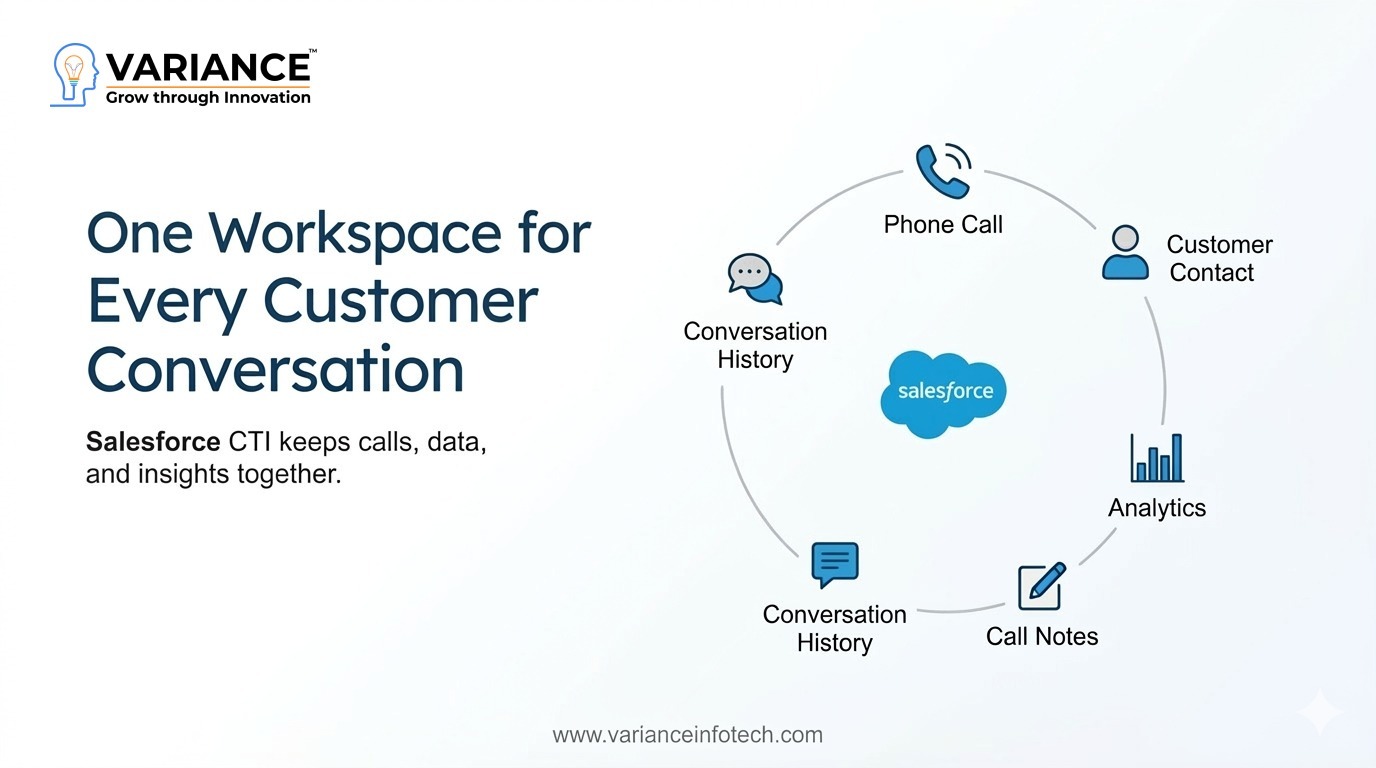
No need to switch between different tools, your phone system is now part of Salesforce. Calls, customer records, call logs, and communication history, everything in a single workspace.
Let’s see how this integration works and why so many businesses are implementing it.
What is CTI Integration with Salesforce?
The telephony system is directly linked with Salesforce using CTI (Computer Telephony Integration), so that users can perform a call, answer a call and handle other calls without logging out from Salesforce UI.
With the right integration, Salesforce can be a full-fledged communications center, enabling organizations to better manage their customer interactions.
With the CTI integration, the users are allowed to:
Call directly from Salesforce
Call activities are logged in automatically
See who is calling instantly with caller ID
Take call notes during a call
Analyze call metrics and performance
In short, your phone system and CRM function as one.
It prevents application switching, and lets teams focus on what they love — having conversations with customers.
The Problem with Separate CRM and Phone Systems:
Many companies still operate with disconnected tools.
Sales teams use Salesforce to manage leads and opportunities, but calls happen through a separate PBX or dialer system.
This setup leads to several operational challenges:
Manual Call Logging
After every call agents are required to log into Salesforce, and update the records – manually. The process is lengthy, and much of the data is either missing or not accurate.
No Customer Context
When a call comes in, agents don’t necessarily know who is calling or their history with the company.
Decreased Productivity
The need to toggle among different applications disrupts flow and increases response times.
Insufficient Visibility for Managers
Supervisors have a hard time knowing in real-time how calls, call volumes, or agents are performing.
CTI sync integration, seamlessly integrates your telephony with your Salesforce and resolves all of the above mentioned issues.
Key Features of Salesforce CTI Integration:
A good Salesforce telephony integration brings a lot of power features on the table that changes the way teams communicate with one another.
1. Click-to-Dial
Leave the number-crunching behind and just click phone numbers in Salesforce to start calls.
This saves you time and also prevents misdials.
With click-to-dial, sales people spend less time dialing numbers and more time talking to prospects, which means they can connect with more prospects in less time and increase the effectiveness of their outreach.
2. Call Auto Logging
All inbound and outbound calls can be logged automatically in Salesforce. Information like:
Call duration
Call result
Date and time
Notes,
Call Recordings.
are then saved to the relevant contact or account record. Automatic logging eliminates manual effort and ensures the CRM data stays clean.
3. Screen Pop for Incoming Calls
Upon an incoming call, Salesforce immediately pops up the information of the caller on the agent’s screen.
This can consist of:
Contact information
Prior conversations
Active cases
Former purchases or transactions
With this information at an agent’s fingertips before the call the agents are able to give more personalized support and even quicker resolutions.
4. Smart Call Routing With CTI integration
The system directly routes calls to the right agent based on certain rules,
such as:
VIP customers can be routed to priority agents
Technical queries can go directly to support teams
Languages can be matched with the appropriate agent
This drastically increases customer satisfaction and decreases wait times.
5. Real-Time Call Analytics
All call information is stored within Salesforce, enabling supervisors to monitor performance indicators including:
Call volumes
Response times
Agent productivity
Customer interaction history
The result is that they can provide organizations with the insights to make better decisions and improve strategies for engaging customers.
Business Benefits of Salesforce Telephony Integration
Beyond operational convenience, CTI integration delivers significant business value.
Increased Sales Productivity
Sales reps can now handle more calls per day, because they’re dialing, logging, and taking notes automatically inside Salesforce.
Sales reps are spending less time on admin and more on relationship-building and selling.
Improved Customer Experience
Customers dote on support agents who have prior knowledge of their history and context.
With real-time customer information at their fingertips during calls, teams can respond faster and with a more personalised approach.
This results in enhanced satisfaction and an improved customer relationship.
Faster Issue Resolution
Since agents have instant access to customer records, open cases and previous interactions, they can resolve issues much faster.
This is beneficial for FCR (First Call Resolution) and the support workload.
Better Data Accuracy
With manual data entry, it is common for there to be missing or inaccurate information in the records.
Auto call logging makes sure all communications are logged, ensuring you have a solid source of customer data.
Greater Visibility for Leadership
With all communication data in Salesforce, managers get real-time insights on team performance and customer engagement.
This allows leaders to monitor KPIs, streamline processes and enhance operations.
Telephony Systems That Can Integrate with Salesforce
Salesforce CTI is compatible with most contemporary PBX and telephony systems.
Some examples are:
VICIdial
3CX
FreePBX
Elastix
FusionPBX
FreeSwitch
Issabel
Businesses can hook into their current telephony systems and Infrastructure and still take advantage of Salesforce’s CRM.
This flexibility means that CTI integration is a sensible investment even for small and medium businesses.
Is Salesforce CTI Integration Right for Your Business?
If your team spends more time on phone calls, CTI integration can provide quick wins.
It is particularly useful for:
Sales teams making outbound calls
Help desk customer support centers
Contact centers
B2B service organizations
Telemarketers
Integrating Telephony with Salesforce is a win-win for any company that desires to facilitate communication and have better CRM usage.
Final Thoughts
In the current day customer experience culture, speed is king.
Sales and support teams can no longer afford to waste time hopping from tool to tool to do simple things like making a call or logging an interaction.
Salesforce CTI integration eliminates this friction.
By integrating telephony into the CRM, businesses are building one all-encompassing workspace in which calls, customer information and intelligence can all be accessed.
The result?
More productive teams
Faster customer service
Better data visibility
Stronger customer relationships
For organizations that want to take full advantage of Salesforce, telephony adds a vital piece.
Do You Need more information?
For any further information / query regarding Technology, please email us at info@varianceinfotech.in OR call us on +1 630 534 0223 / +91-7016851729, Alternately you can request for information by filling up Contact Us
Urvi is a marketing strategist at Variance Infotech, specializing in promoting the company's expertise in mobile app development and CRM solutions, including SuiteCRM and Salesforce, across various industries. With a focus on helping businesses enhance their digital presence, she plays a key role in driving growth and innovation, making a significant impact on the global digital landscape.




 Please wait...
Leave a Reply