


Target Audience: WordPress Site Owners, WooCommerce Merchants, Digital Agencies, Webmasters, IT Leads
Severity: CRITICAL (CVSS 9.2 – 10.0)
Threat Status: Active Global Exploitation via Autonomous Bots & AI Scanners
If your business runs on WordPress or WooCommerce, updating your WordPress plugins and core theme files is no longer enough to keep your server secure.
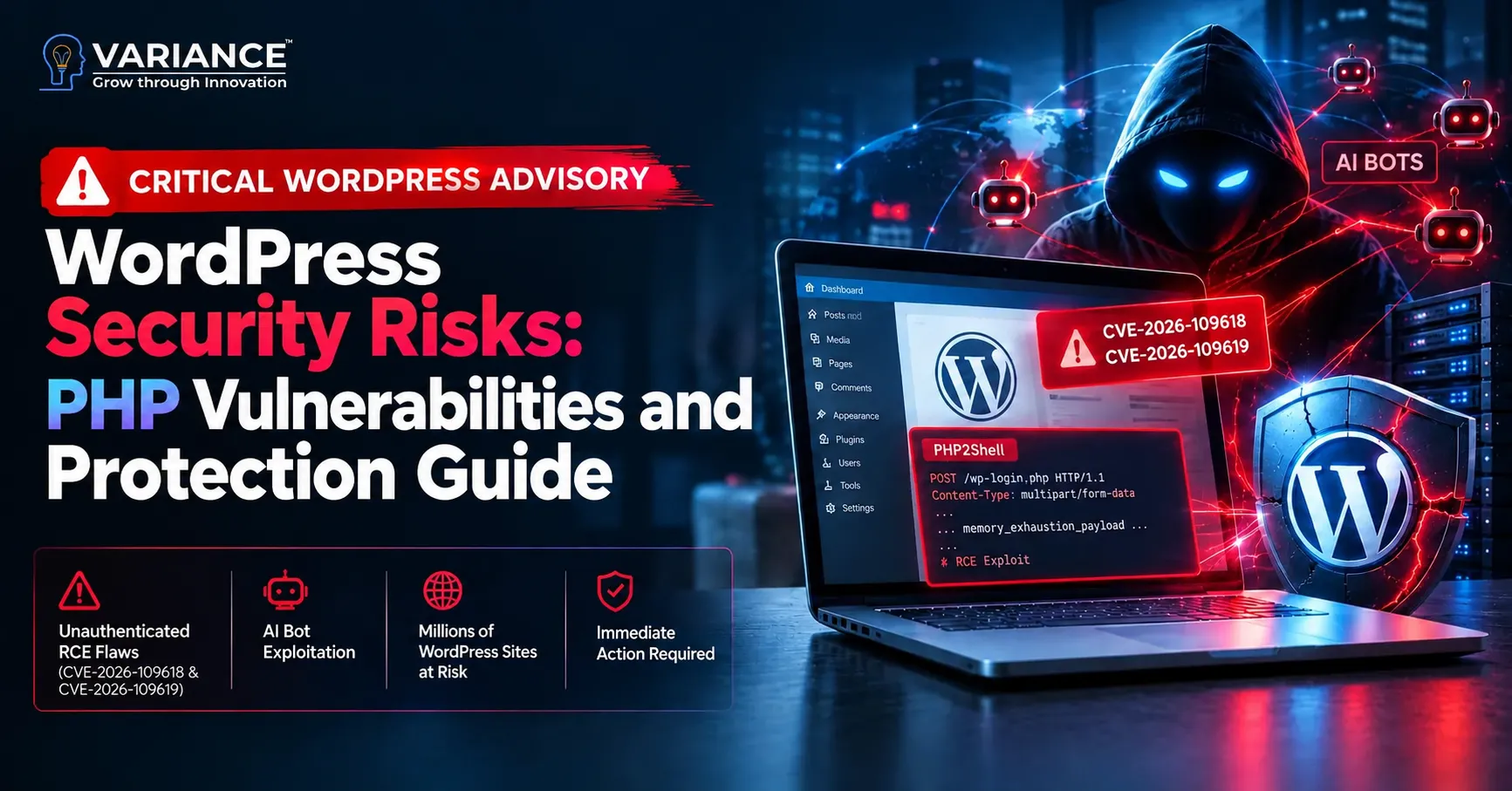
The security world was rocked by the disclosure of two critical, unauthenticated Remote Code Execution (RCE) flaws inside the PHP engine itself: CVE-2026-109618 and CVE-2026-109619, collectively dubbed “PHP2Shell”.
Threat actors and automated attack networks are now weaponizing autonomous AI scanning agents. These bots continuously crawl the web, identify WordPress file endpoints, send tailored memory-exhaustion payloads, and gain complete shell control of underlying web servers—without ever needing a WordPress admin login, password, or XML-RPC access.
Even if your WordPress admin dashboard reports “WordPress is up to date,” if your underlying server runs an unpatched or end-of-life PHP runtime, your entire site and customer database are completely exposed.
The Threat Breakdown: How “PHP2Shell” Hijacks WordPress
The PHP2Shell flaws bypass WordPress code completely by attacking how PHP itself handles memory and web worker lifecycles:
- Out-of-Memory (OOM) Pointer Corruption (CVE-2026-109618): Automated scanners send crafted multipart POST requests (such as fake file uploads or large form payloads) that intentionally trigger PHP’s
memory_limitmidway through processing. When the worker triggers cleanup, it treats half-initialized memory as valid pointers, allowing the attacker to execute arbitrary machine code on the host machine. - Stale State & Use-After-Free (CVE-2026-109619): High-traffic WordPress environments utilize persistent PHP workers (via
php-fpmor Apache MPM prefork). PHP globals retain references to freed memory across worker recycling. AI agents send chained requests that hijack this stale worker memory, achieving remote shell access or dumping database credentials.
Why WordPress Sites Are Under Direct Fire
WordPress powers over 40% of the entire web, making it the primary hunting ground for automated bots:
- The Unsupported PHP Crisis: PHP maintainers do not backport fixes to End-of-Life (EOL) versions. If your host runs PHP 7.0, 7.4, 8.0, or 8.1, your site is permanently vulnerable. Official security point releases exist only for active branches: PHP 8.2.35+, 8.3.36+, 8.4.27+, and 8.5.12+.
- Exposed Endpoints Everywhere: WordPress sites inherently expose public-facing POST endpoints:
wp-login.php,wp-comments-post.php,admin-ajax.php, and WooCommerce checkout endpoints. Bot agents target these universally available paths without triggering authentication blocks. - The Legacy Plugin Anchor: Thousands of WordPress sites remain stranded on obsolete PHP 7.x or 8.0 because older plugins, abandoned themes, or custom page-builder extensions throw fatal errors on modern PHP 8.2 or 8.3. Staying on older PHP to keep an old plugin working now creates a wide-open door for server takeover.
Status Matrix: Is Your WordPress Site Safe?
Log in to your hosting panel (cPanel, Plesk, Cloudways, RunCloud) or run php -v via SSH to check your status:
| Server PHP Version | Security Status | Impact on WordPress | Urgent Action Required |
|---|---|---|---|
| PHP 5.x / 7.0 – 7.4 | CRITICAL RISK | Permanently vulnerable; open to RCE | Full runtime migration required |
| PHP 8.0 / 8.1 | CRITICAL RISK | End-of-Life; unpatched against PHP2Shell | Upgrade PHP to 8.2 / 8.3 / 8.4 |
| PHP 8.2 | Conditional | Vulnerable if < 8.2.35 | Update to PHP 8.2.35+ immediately |
| PHP 8.3 | Conditional | Vulnerable if < 8.3.36 | Update to PHP 8.3.36+ immediately |
| PHP 8.4 | Conditional | Vulnerable if < 8.4.27 | Update to PHP 8.4.27+ immediately |
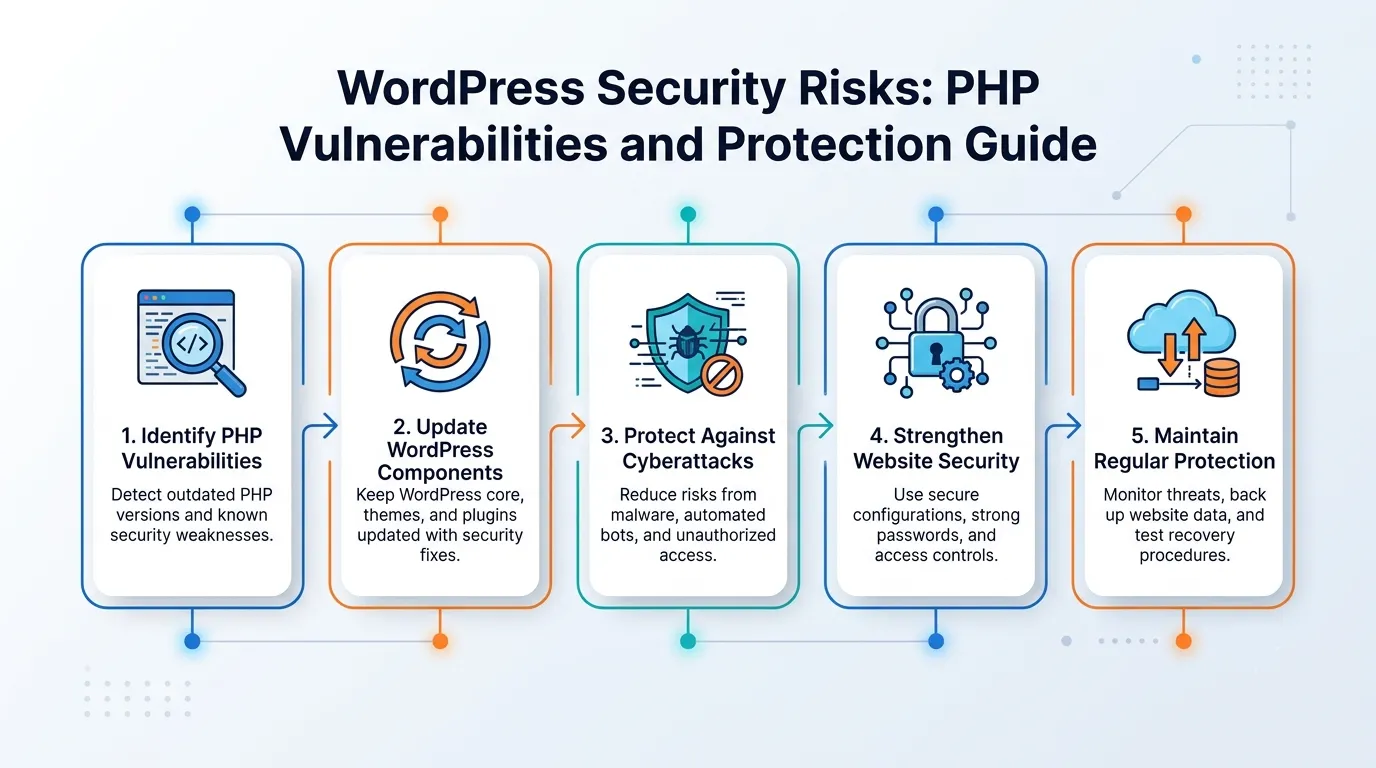
Emergency Defensive Mitigations for WordPress Admins
If your web agency or developer cannot upgrade your server runtime immediately, apply these server-level stopgaps to blunt automated AI exploitation:
1. Disable Session Upload Progress & Constrain Payloads (php.ini)
- Turn off upload tracking (a primary exploit vector) and clamp post limits:
Ini, TOML
Plain Text
session.upload_progress.enabled = 0
post_max_size = 16M
upload_max_filesize = 16M- Mandatory: Restart your web service (
systemctl restart php-fpmor Apache) so changes take effect in memory.
2. WAF Rules & Cloudflare Bot Management
- Enable managed WAF rules on Cloudflare, Wordfence, or your server edge to inspect and block chunked POST requests and malformed multipart form submissions.
3. Lock Down Core Files
- Block direct execution of PHP files in the
/wp-content/uploads/directory inside your.htaccessor Nginx block rules to prevent secondary web shell execution.
Modernize Without Downtime: Free Consultation by Variance Team
For many business owners, simply toggling PHP from 7.4 to 8.3 results in the dreaded WordPress “White Screen of Death” due to legacy plugin conflicts, deprecated functions, and custom theme code.
Upgrading safely requires careful auditing, PHP error mitigation, and staging replication:
- Will your custom WooCommerce checkout or payment gateway break on PHP 8.3?
- Are your third-party plugins compatible with modern PHP memory architectures?
- How can you verify if AI bots have already probed or backdoored your server?
The Variance team brings deep, full-stack engineering expertise across Linux infrastructure, PHP runtime hardening, and enterprise WordPress/WooCommerce optimization.
To protect businesses from this wave of automated bot exploitation, we are offering a Free WordPress Security & PHP Audit:
- Runtime Vulnerability Scan: We audit your live server binary, PHP-FPM configuration, and web worker limits to check direct exposure to CVE-2026-109618/19.
- Theme & Plugin Compatibility Audit: We scan your entire codebase using automated static analysis to identify deprecated syntax before bumping your PHP version.
- Zero-Downtime Upgrade Roadmap: We clone your site to an isolated staging environment, patch your runtime, resolve code conflicts, and deploy back to production with zero data loss and zero downtime.
Don’t Leave Your WordPress Site in the AI Crosshairs
Attackers don’t sleep, and autonomous AI bots scan around the clock. Secure your customer orders, user databases, and brand reputation today.
Claim Your Free WordPress Security Audit with the Variance Team
Confidential. Thorough. Zero commitment required.

 Please wait...
Leave a Reply